

A new look, built around SwoLifts
- A new SwoLifts logo, blue colour palette and typography across the website.
- A clearer logo in dark mode, with a browser-tab icon that follows your theme.
- Layouts designed for phones, tablets and larger screens.
Find your way around
- A direct Guides link for learning how to use the app.
- One Workbench destination for inspecting backups and reading restore instructions.
- Larger app screenshots you can open and browse, plus a sample progress chart to explore.
- Searchable support answers and a Google Play QR code for desktop visitors.
Explore your backup privately
- Open a SwoLifts backup in the browser to inspect your data without uploading it.
- Download an analysis copy or an AI-readable file to use in tools you choose.
- Follow Quick Share or USB instructions to save a backup on your computer.
- Restore the original, unchanged SwoLifts ZIP in the Android app when needed. Importing another app's workout history is outside this workflow.
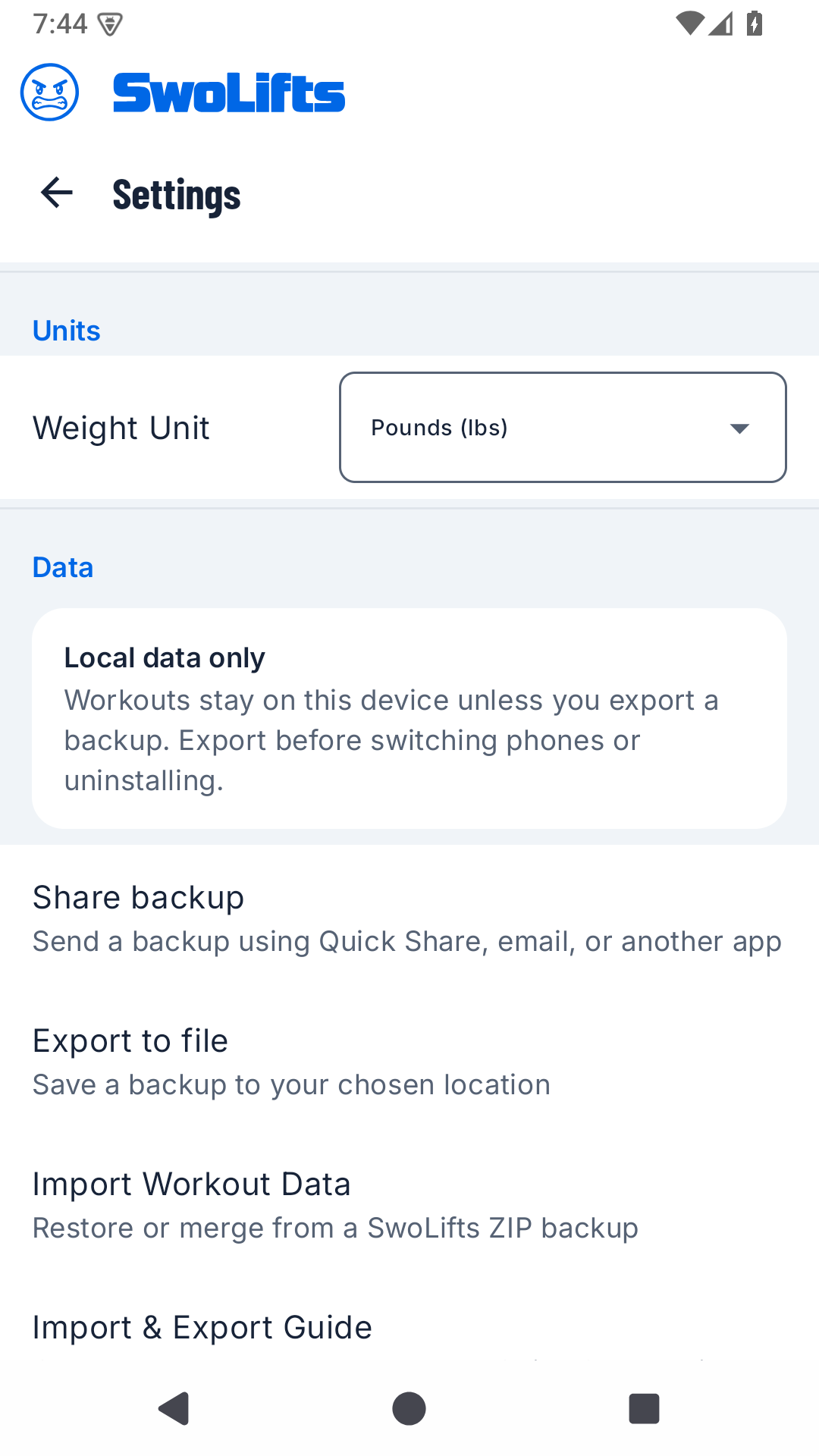
Find these controls in Settings → Data. Select the screenshot to view it full-size, or follow the illustrated backup and restore guide.
Sharing instructions require SwoLifts 1.2.0 or later. Version 1.2.0 is rolling out gradually on Google Play, so the update may not appear for everyone yet. See the Android 1.2.0 release notes.